
How to generate a new API key
- Go to the Google Maps Platform
- Click Get started

- Under Billing, confirm that your billing details are correct
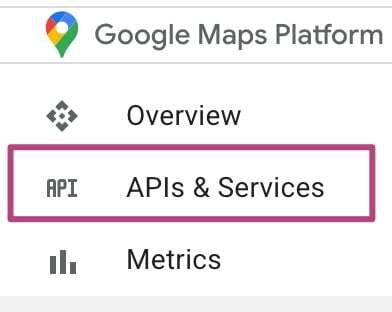
- Go to APIs & Services
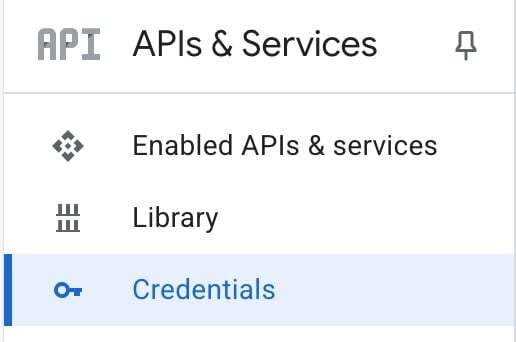
- Go to Credentials
- Select an existing project or click Create a new project
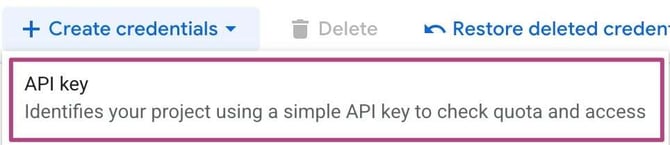
- Under Create credentials, select API key
- Copy the API key and click Close
You can also find the API key under Credentials.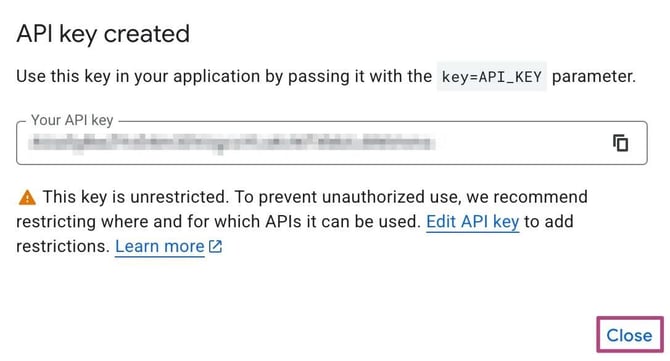
How to view your existing API keys
- Go to the Google Maps Platform
- Go to APIs & Services
- Go to Credentials
- Check your API keys